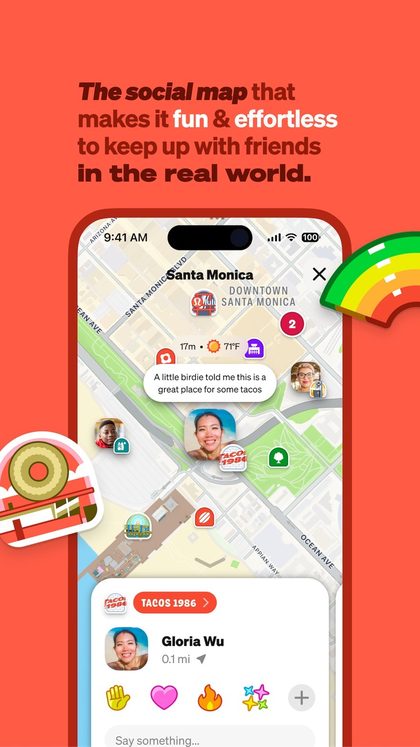
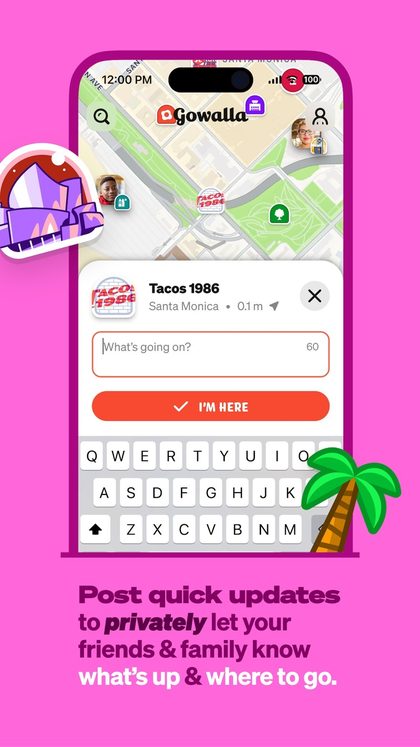
 Gowalla
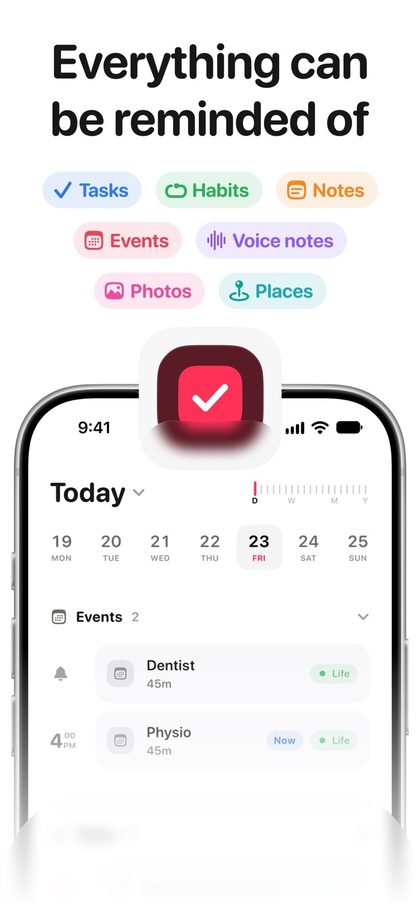
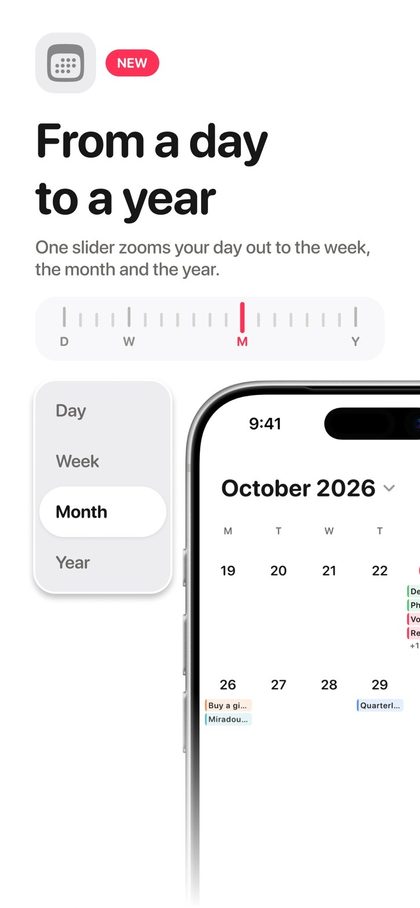
 ThisDay
Tripadvisor
Its in-app screens · set made with appscreenshot.io
TravelCal AI look
appscreenshot.io turns 3 to 10 raw screenshots of your app into a captioned App Store and Google Play set, in up to 39 languages, for indie developers and small app teams. Claude writes the captions; you pick a layout or the look of a top app. Free with a watermark; Pro is $23.90 a month.
See a look you like? Copy it.
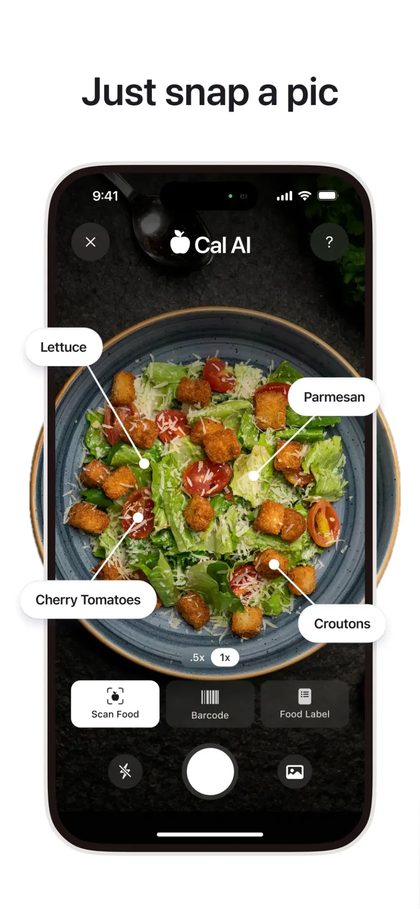
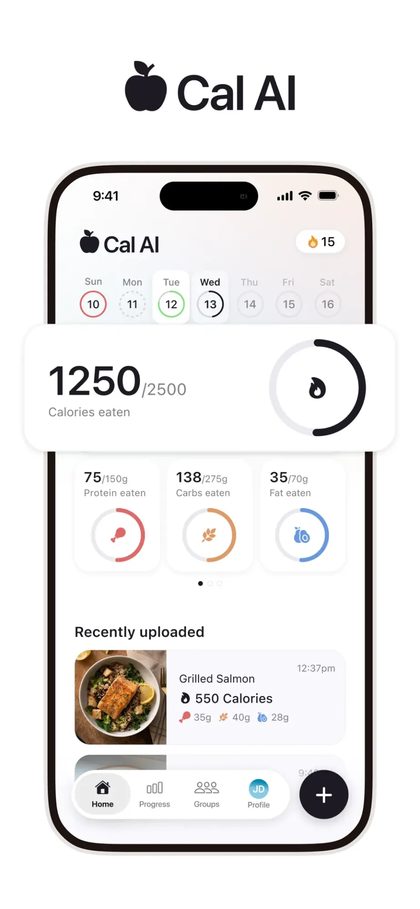
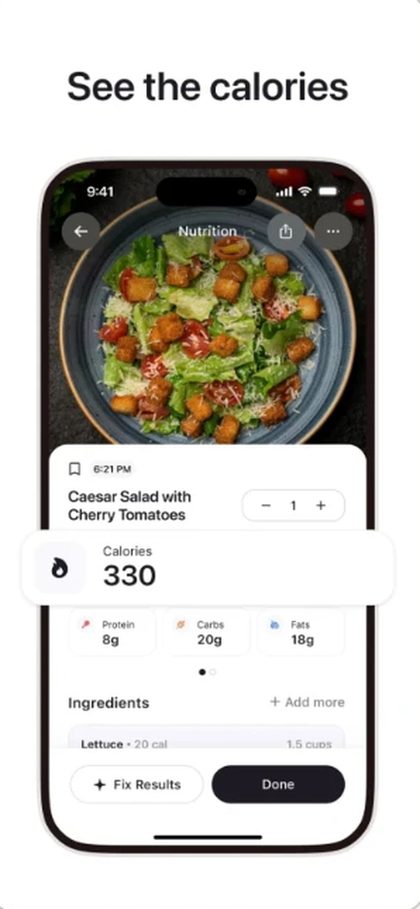
Upload your screens and get them back in this look, in about 90 seconds.
See it on the App Store ↗These are the apps' own App Store screenshots, shown so you can pick a look. See 18 more, by category.
Cal AI Headspace
 Airbnb
 Todoist
 Flo
 AllTrails
 Picsart
 Yuka
 ForestTripadvisor
 Calm
 Booking.com
 Revolut
 MyFitnessPal
 Canva
 Shazam
 komoot
 VSCO
 Duolingo
 Strava
 Notion
 Wise
 Fishbrain
 CapCut
 Babbel
 Splitwise
 Lose It!
Three steps. The first set is ready in about 90 seconds.
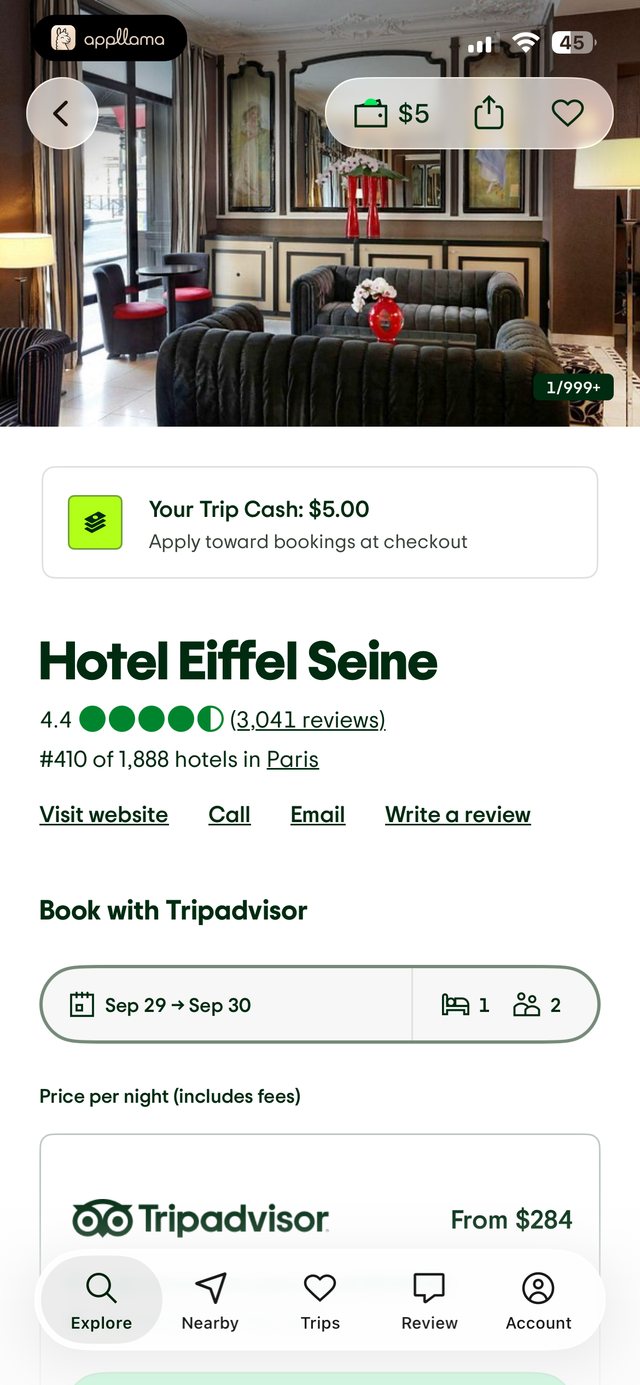
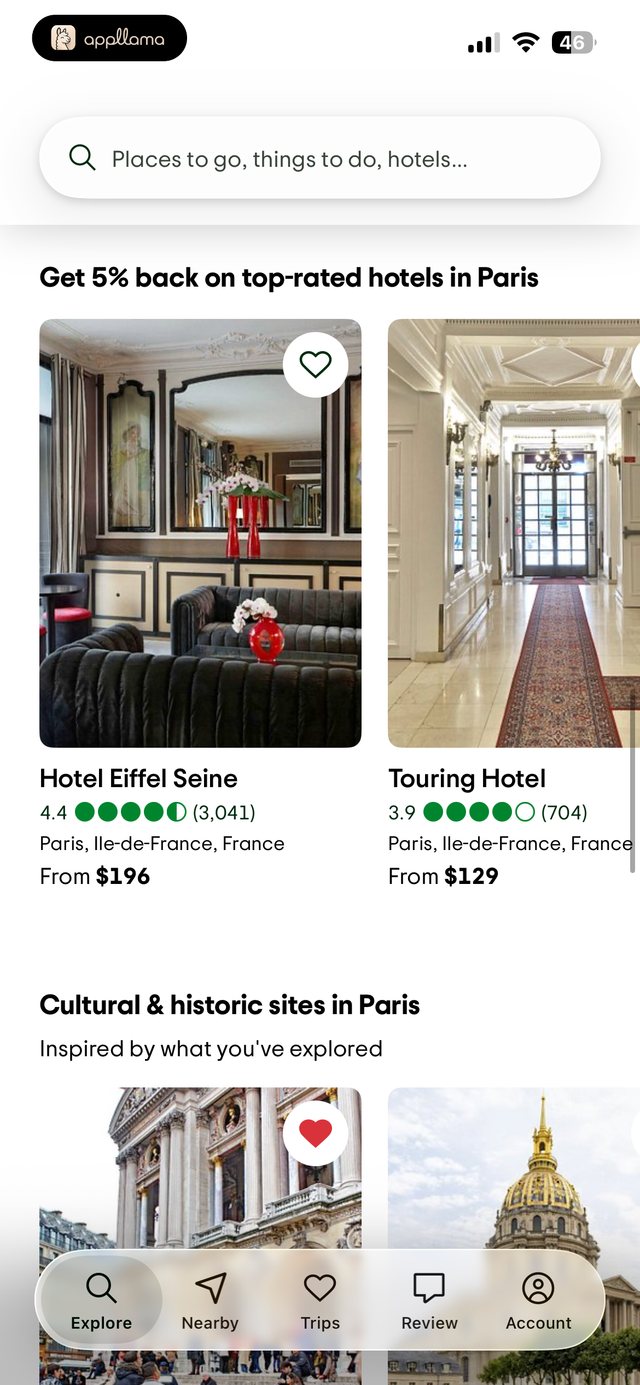
Drop 3 to 10 raw screenshots of your app. Shown here: Tripadvisor's in-app screens.
Choose the look of any app on the App Store, or one of six ready-made layouts. Shown here: Cal AI's look.
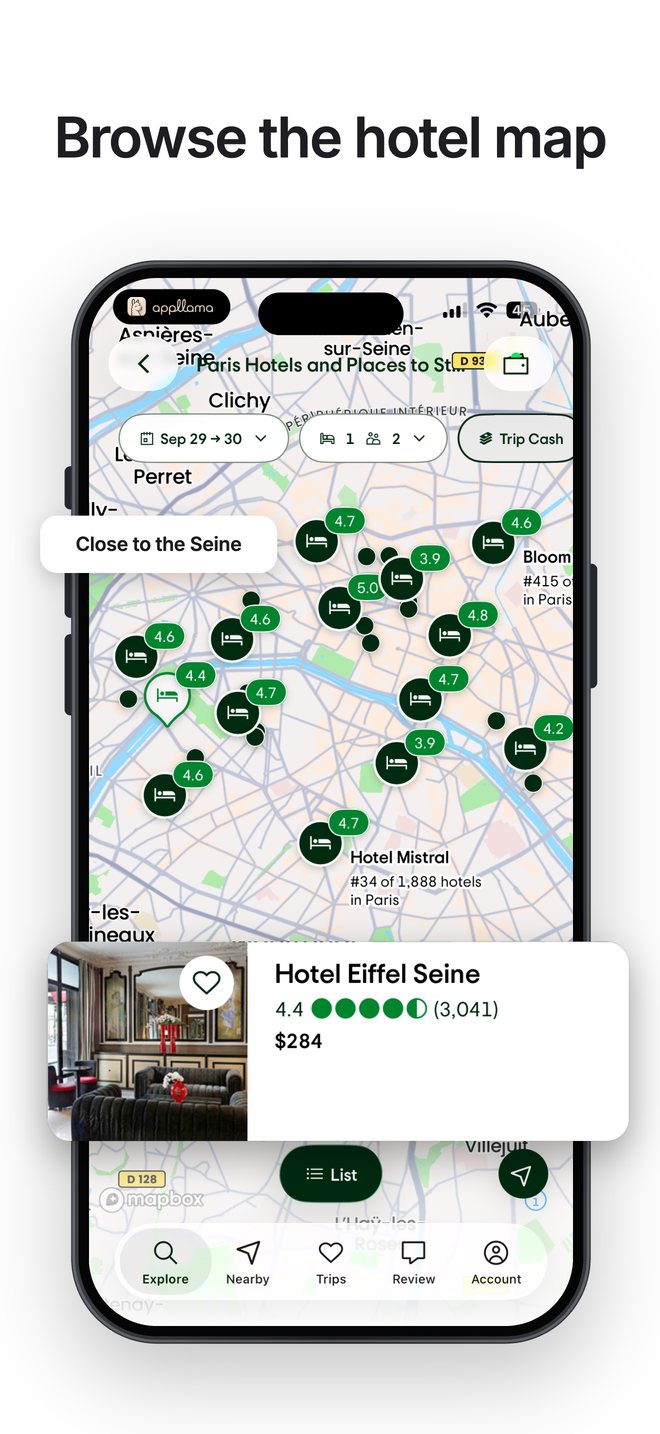
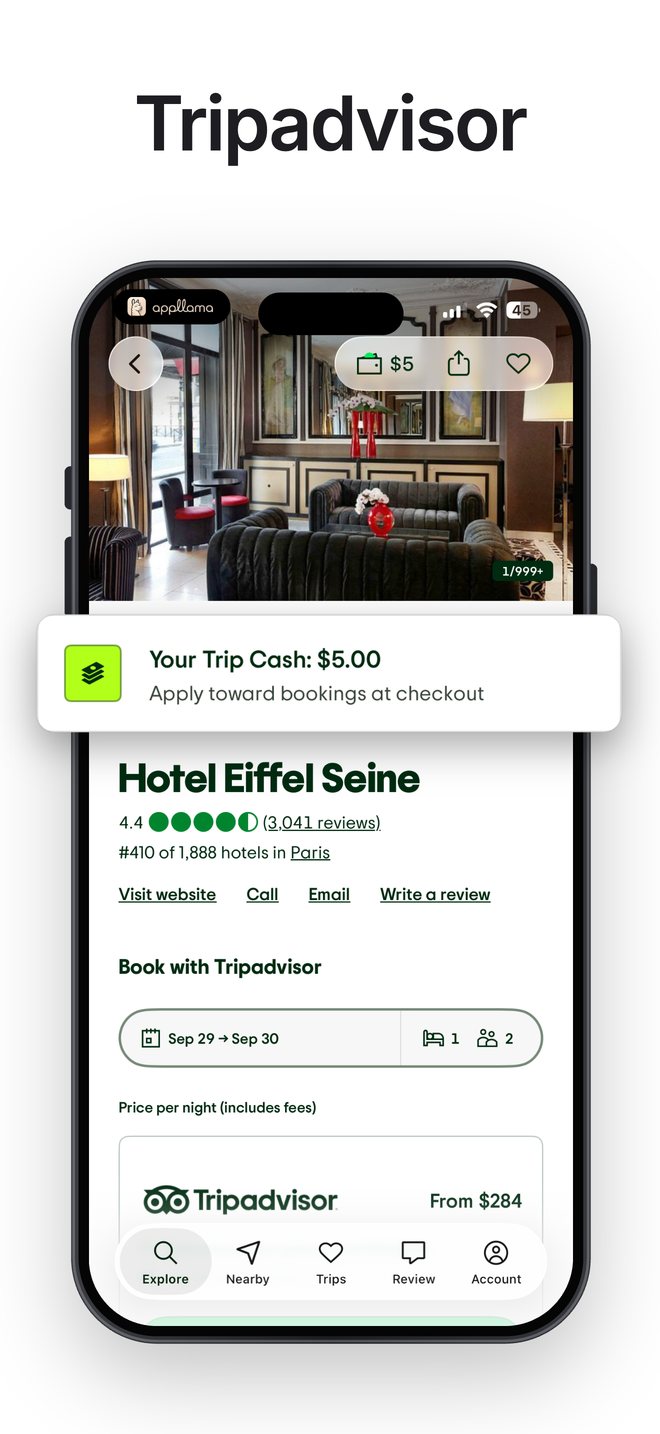
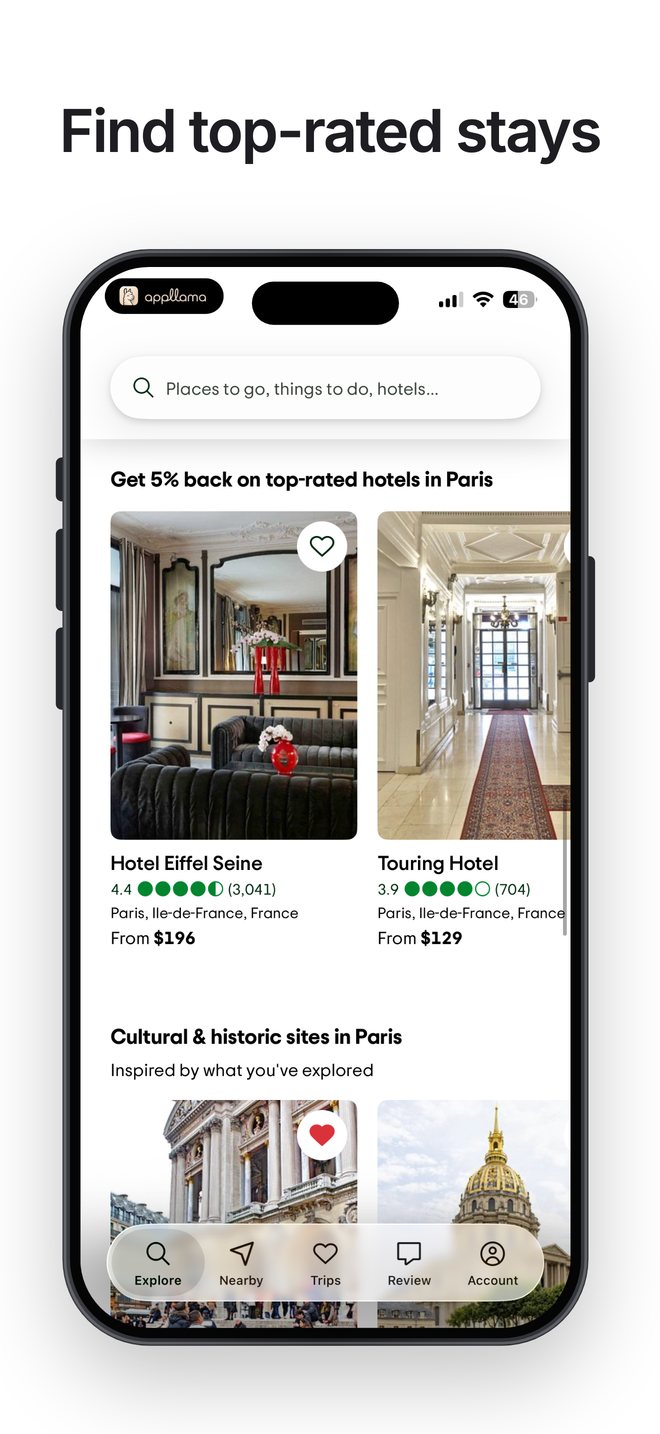
You get PNG files in the exact App Store and Google Play sizes, in up to 39 languages.
The real renderer runs in your browser. Switch the layout or the language, or type your own headline.
We ran real apps' in-app screens through appscreenshot.io and picked another app's look. These are our exports, not the apps' own store pages.
Its in-app screens · set made with appscreenshot.io
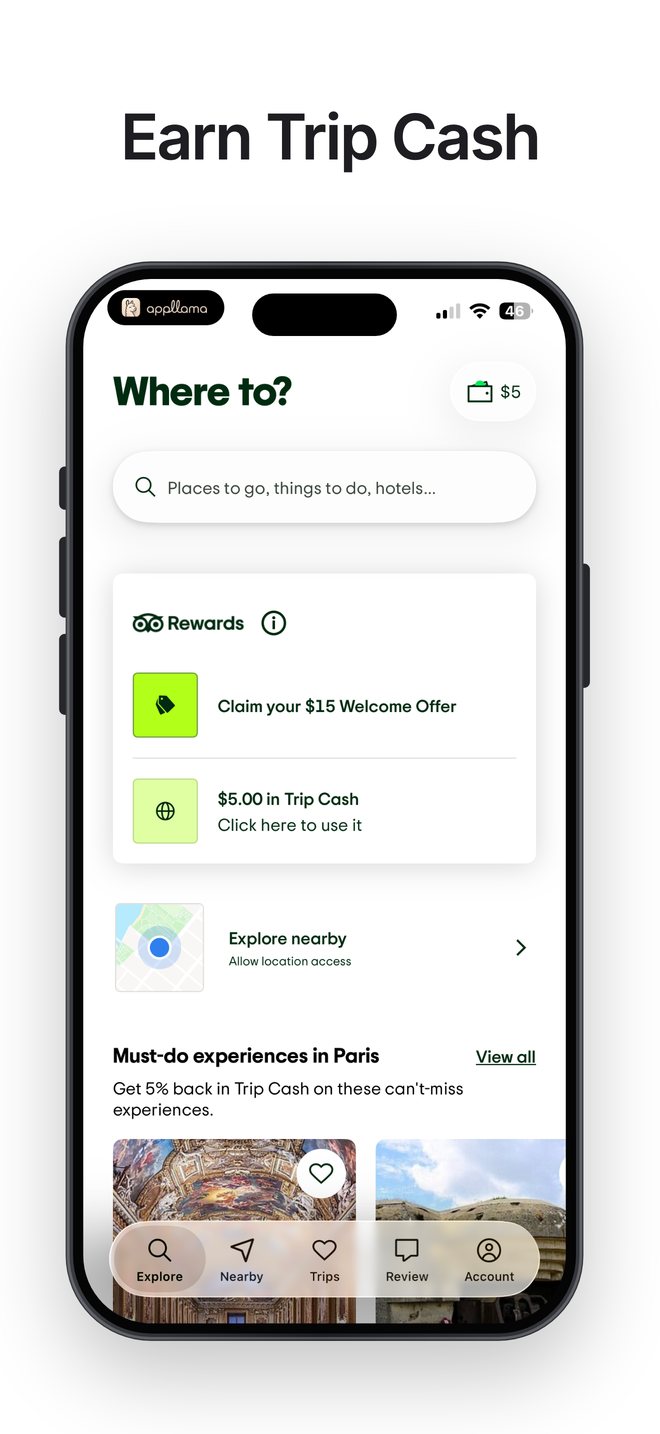
Its in-app screens · set made with appscreenshot.io
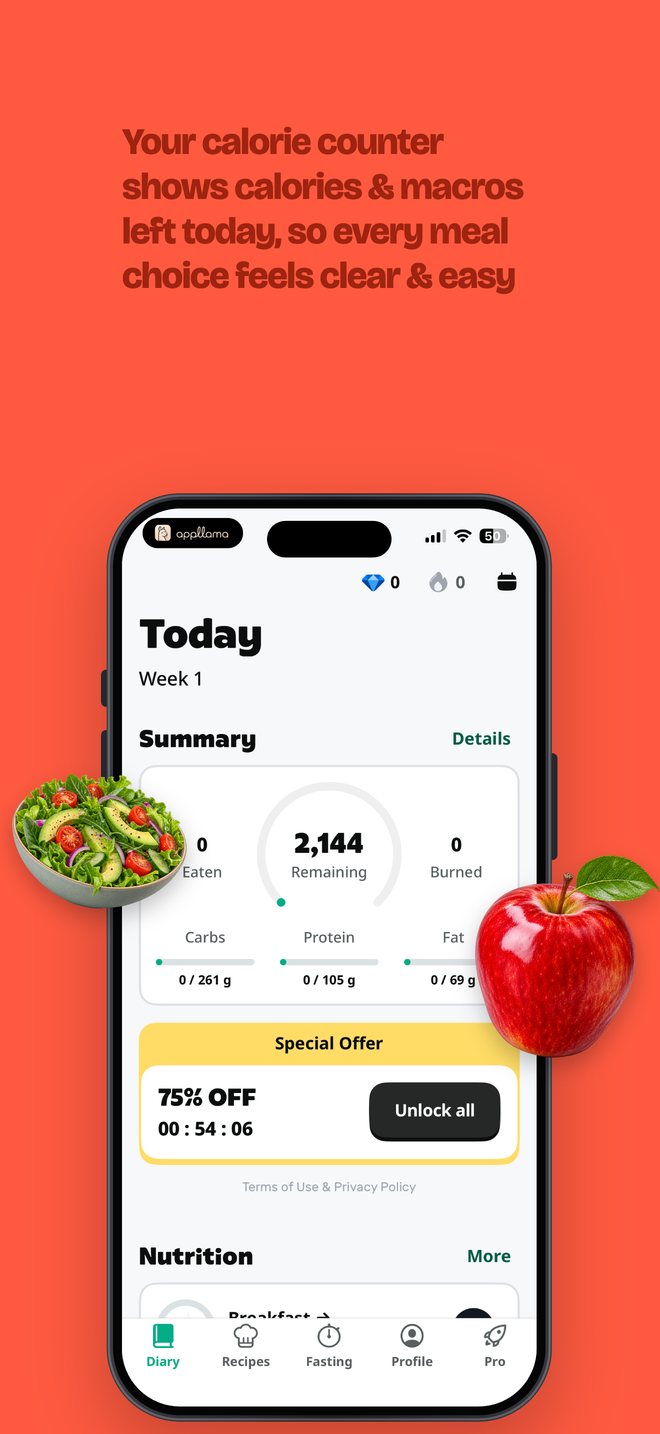
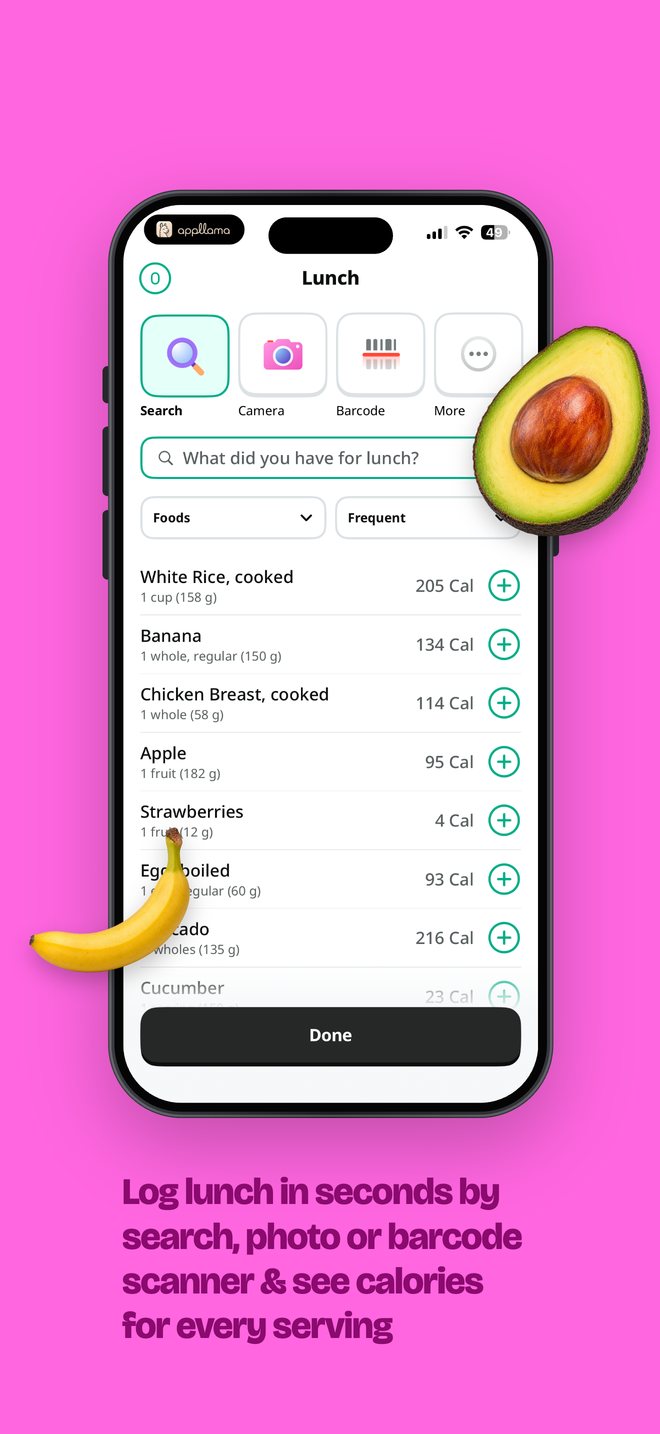
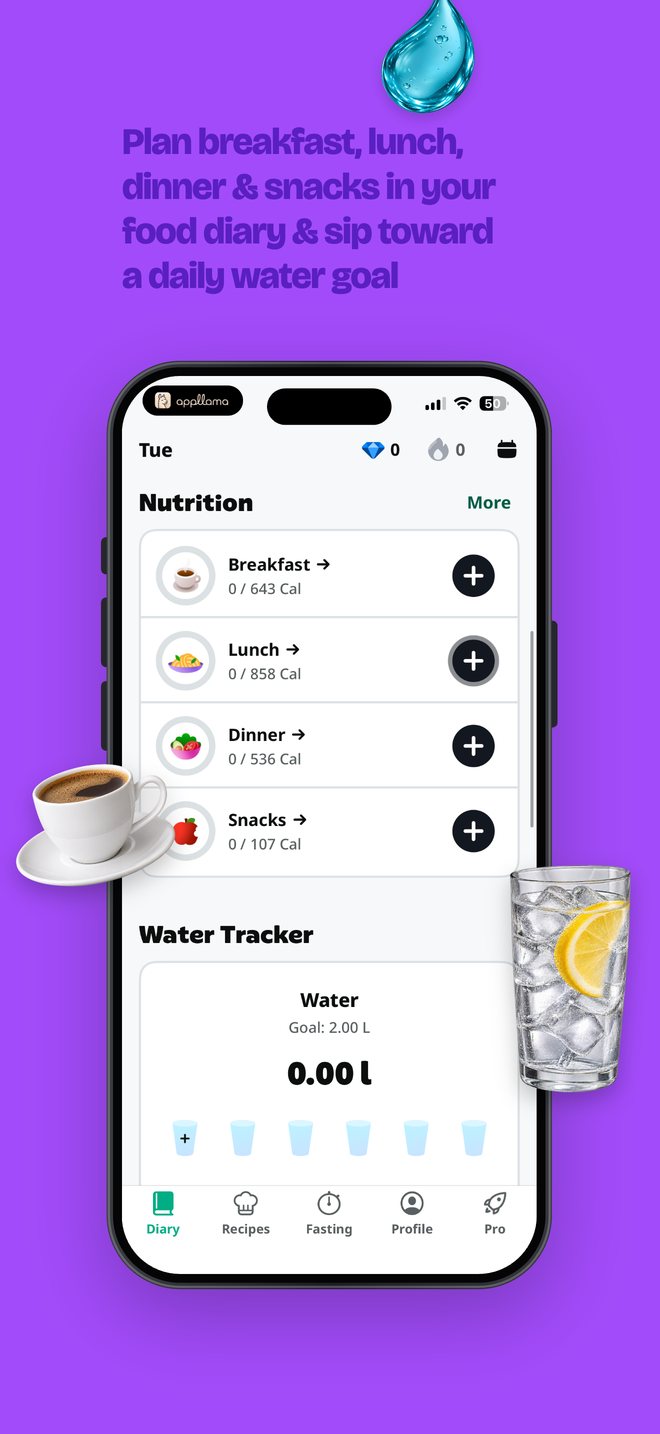
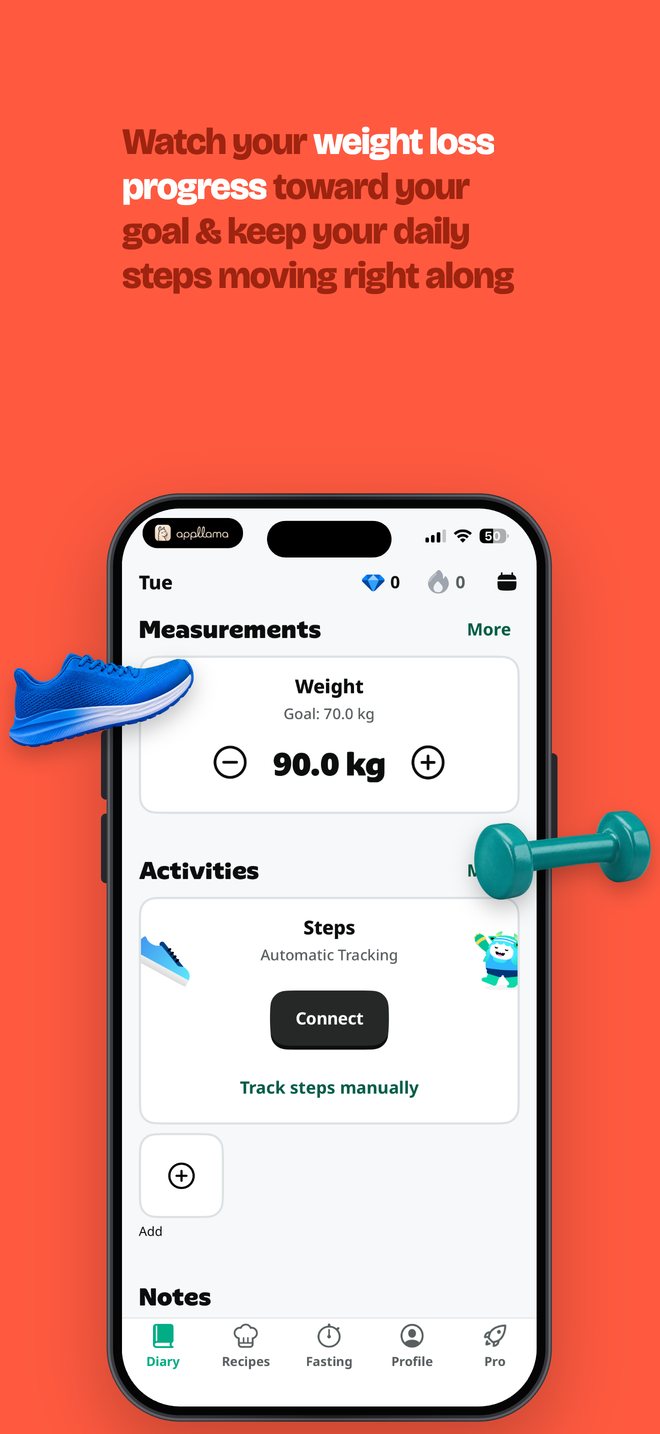

Codersnap LLC · our own app
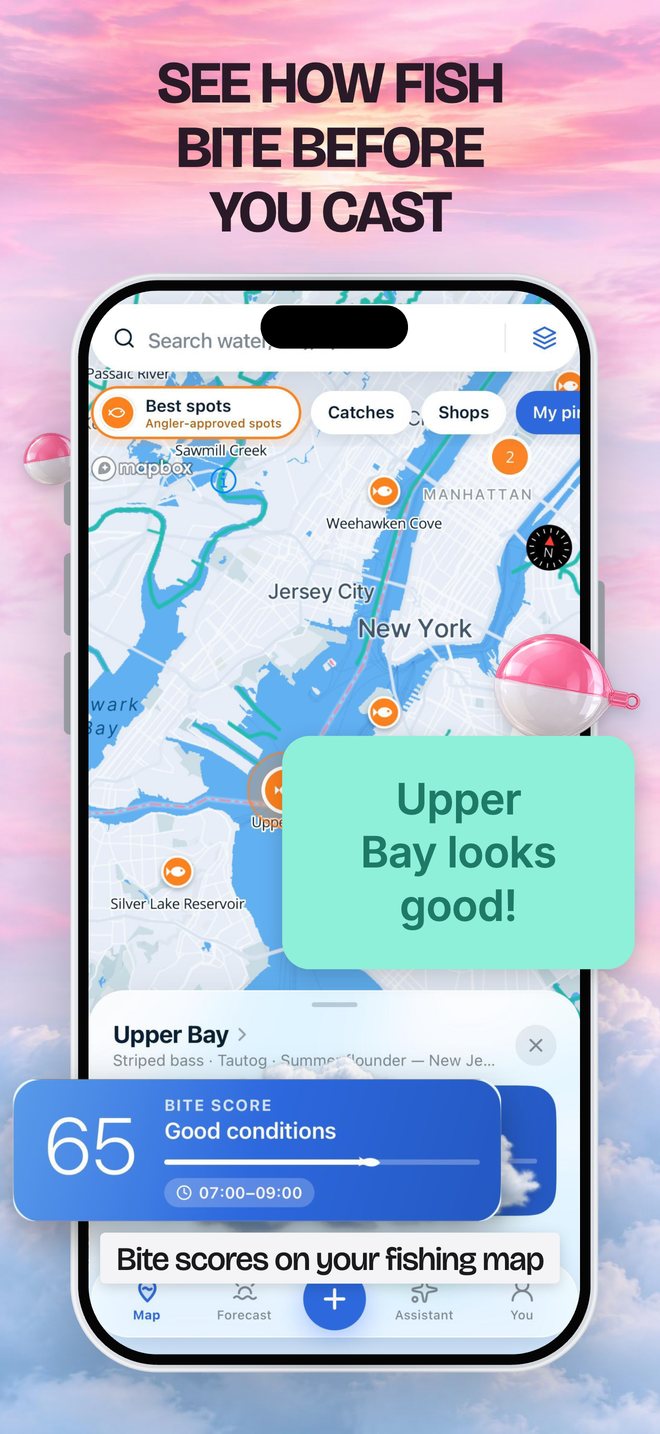
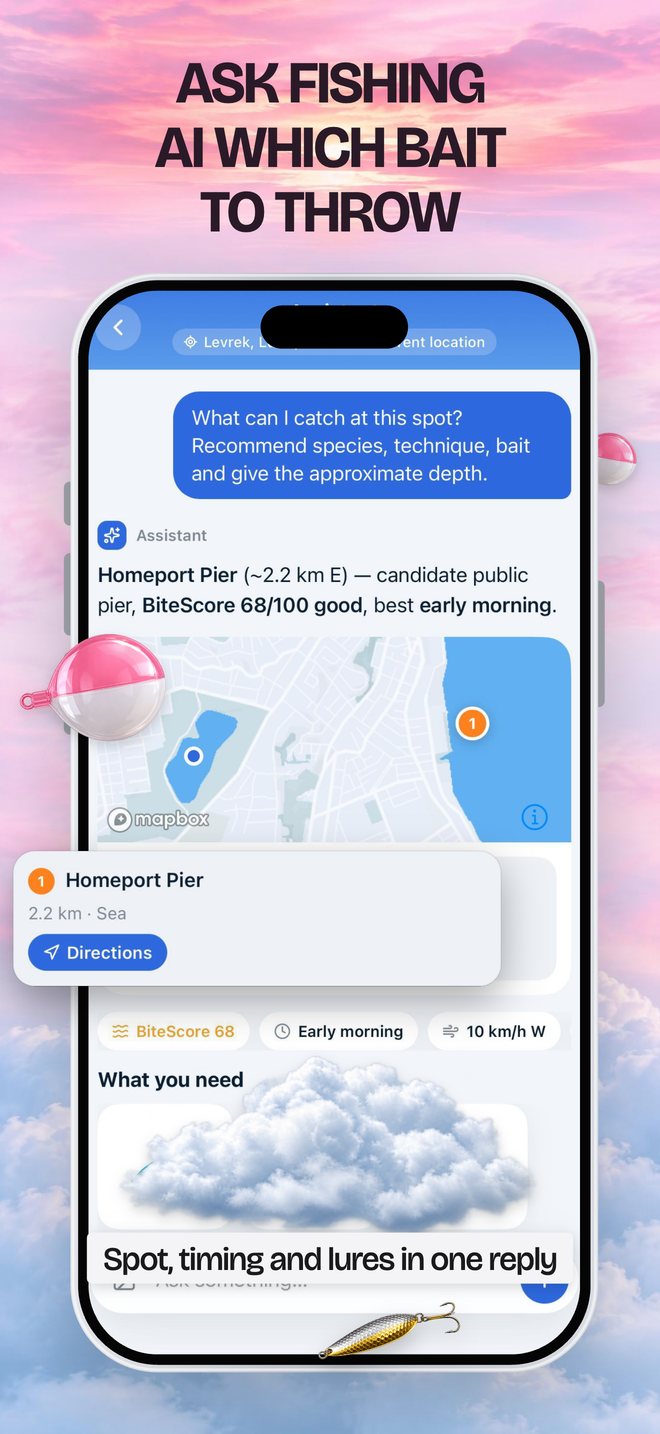
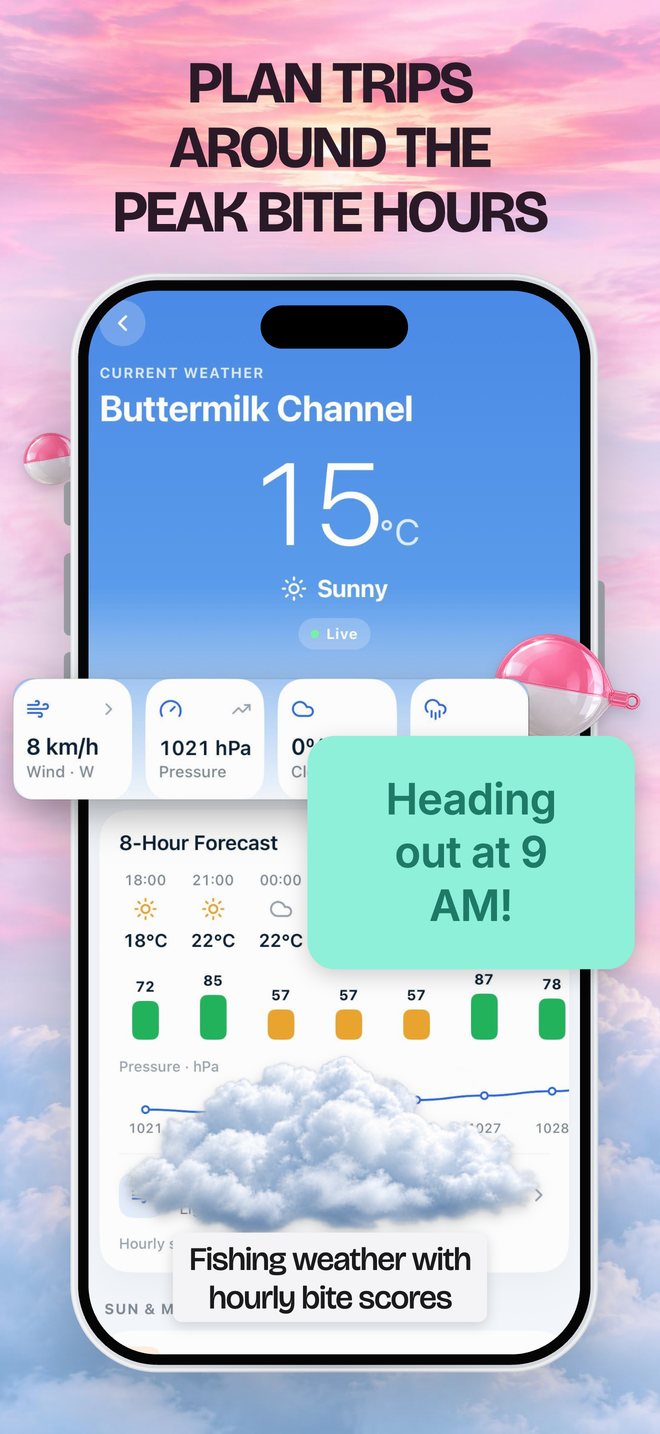
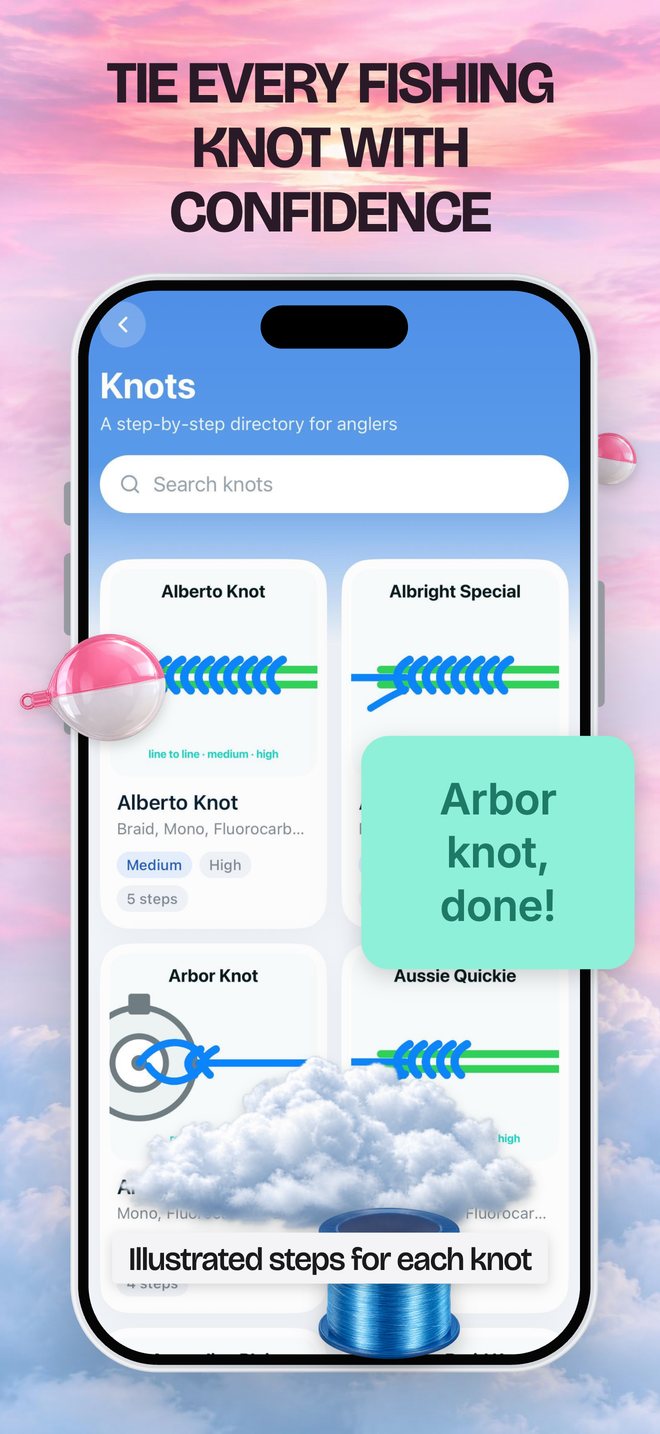
Add appscreenshot.io to Claude once, then ask in plain words; Claude creates the set and hands you the link to review and download.
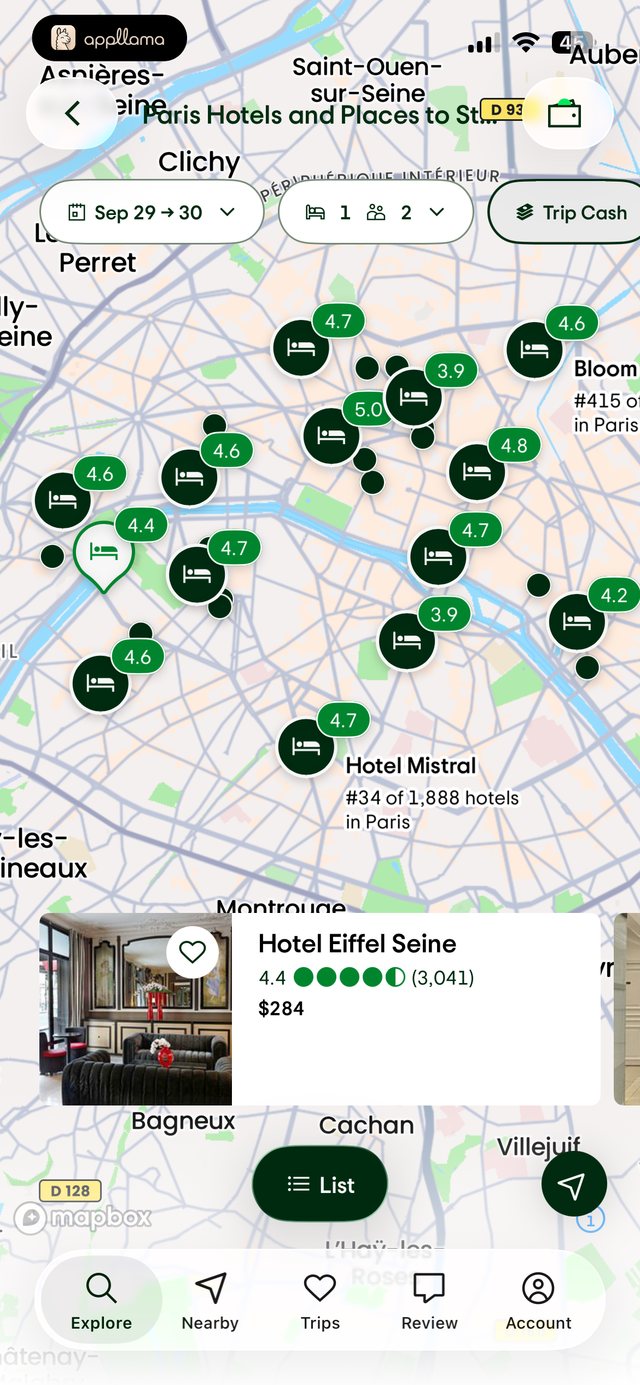
https://appscreenshot.io/mcpIn Claude: Settings → Connectors → Add custom connector, then sign in. Claude Code and other MCP clients work too.
These are the limits today, so you know before you start.
Credits pay for the AI work; ready-made layouts, editing and downloads are free.
See your app in a store-ready set.
For every launch and every update.
Pay once. Credits never expire.
The short answers people ask for before they upload their first screen.
Upload 3 to 10 raw screenshots of your app. Claude reads them, picks the store order and writes captions. You pick a ready-made layout or the look of a top app, fix any caption you like, tick your languages and sizes, and download a ZIP with one folder per language for App Store Connect and Play Console.
App Store iPhone 6.9" (1320 × 2868) and 6.5" (1284 × 2778), Google Play phone (1080 × 1920) and the Google Play feature graphic (1024 × 500), as PNG files without transparency. These sizes match Apple's screenshot specifications and Google Play's preview asset rules as checked on 29 November 2026. iPad sizes are not made yet. Every size the stores accept is on the App Store screenshot sizes and Google Play screenshot sizes pages.
You can start free: signing up gives 100 credits once, enough for Claude to read your screens and write the first drafts. Ready-made layouts, editing and downloads cost no credits, but free downloads carry a small “Made with appscreenshot.io” watermark. Pro ($23.90 a month or $129 a year) and credit packs remove it.
Credits pay for the AI work. Reading your screens and writing drafts costs 100, rebuilding a top app's set costs 500, each extra language 20, a new photo 60 and a cut-out sticker 35. If a job fails, its credits come back.
You pick an app on the App Store. appscreenshot.io measures its screenshot set: where each headline sits, how the phone is placed, the colors and the small details. Then it rebuilds that layout with your own screens, new captions and newly made photos. The other app's photos, artwork, logos and words are never reused.
You can add up to 39 App Store languages. Claude writes the captions again for each market, with the words people there search for, instead of translating word for word. The interface inside your screenshots stays as it is.
No. You get a ZIP with an appstore folder and a googleplay folder, one subfolder per language, in the layout fastlane uses. Drag each folder into App Store Connect or Play Console, or run fastlane deliver and supply.
They are stored in your account on our server until you delete the project. To read them and write captions they are sent to Anthropic's Claude. Photos and stickers are made by fal.ai from text descriptions only. The privacy page has the details.
Yes. Add https://appscreenshot.io/mcp as a custom connector in Claude, sign in, and ask for your screenshots. Claude can create the project, read your screens, copy a top app's look, edit captions and add languages; you review and download the images in the app.
Yes, at any time, from your account. Monthly plan credits do not carry over to the next month; credits from a pack never expire.
Drop your screenshots and see the first set in about a minute.