Google Play Screenshot Generator
appscreenshot.io is a Google Play screenshot generator. Upload your app's raw screens and download phone screenshots at 1080 × 1920 pixels and the 1024 × 500 feature graphic, as PNG files without alpha, in the folder layout that Play Console uploads and fastlane supply expect. The same project also exports the App Store sizes. Downloads from a free account carry a small watermark.
Make my Play setGoogle Play sizes and rules
What a Google Play export looks like
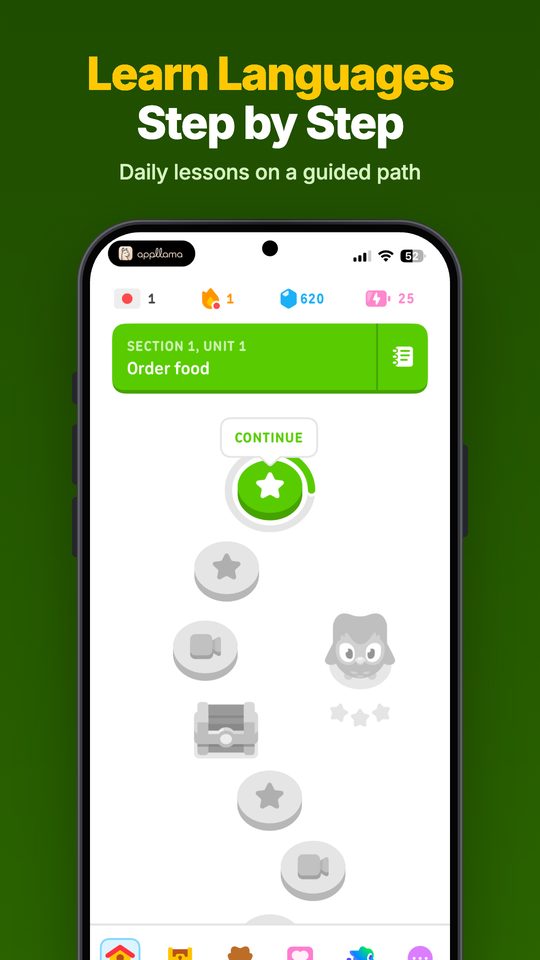
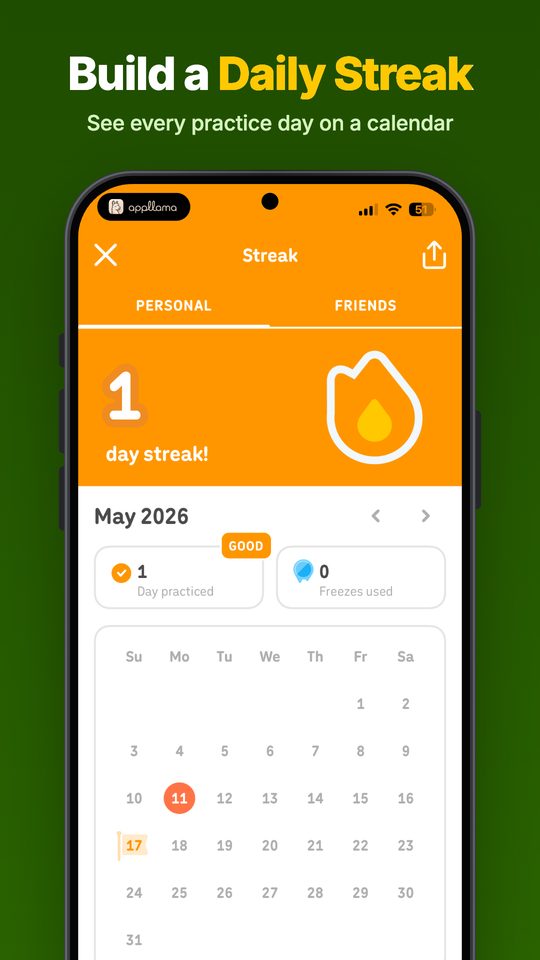
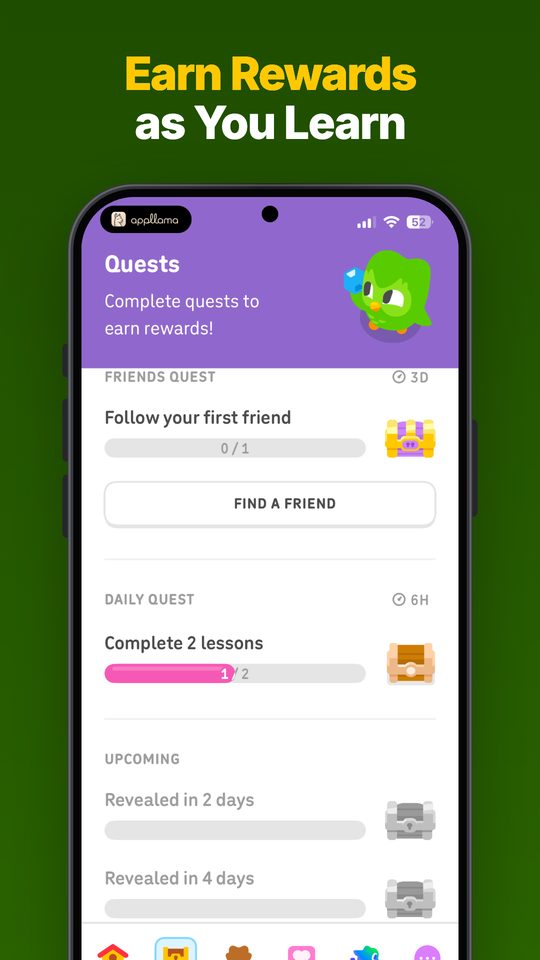
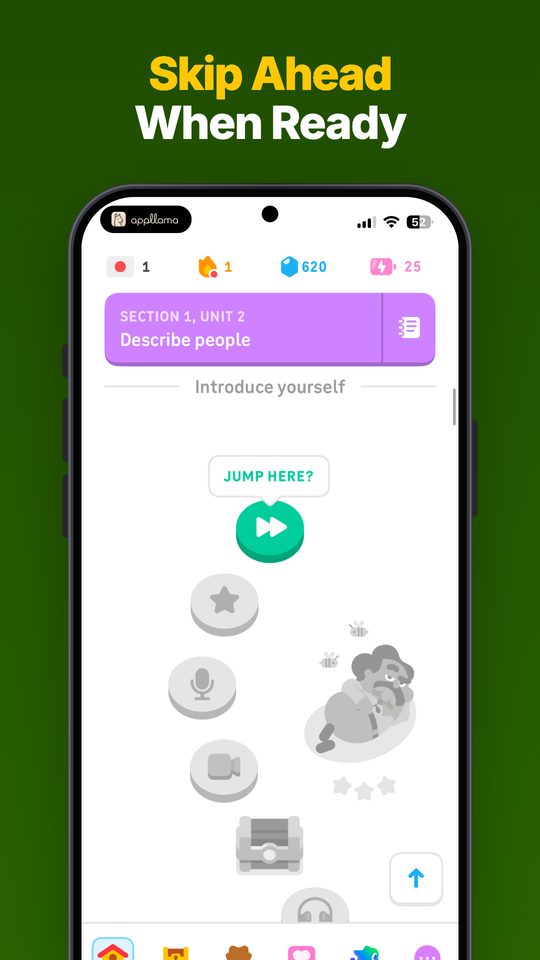
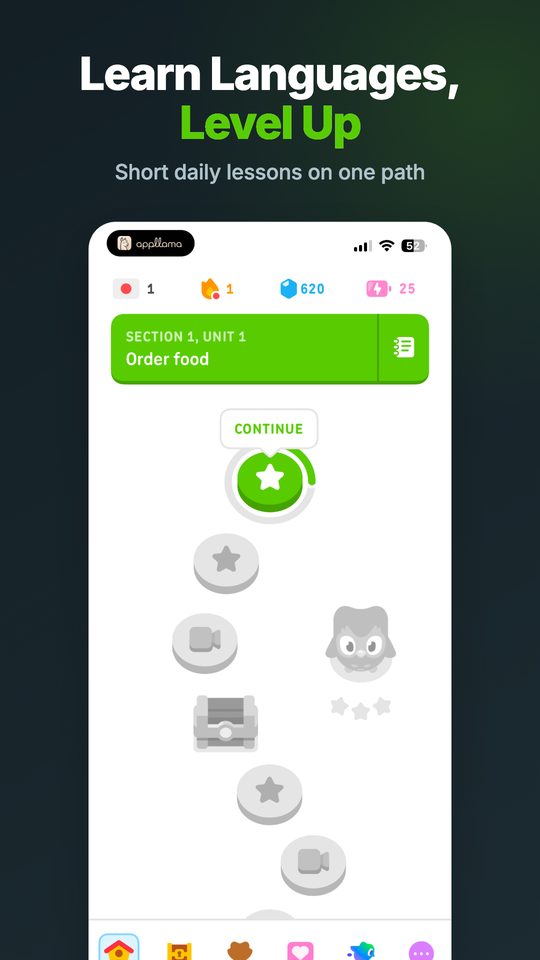
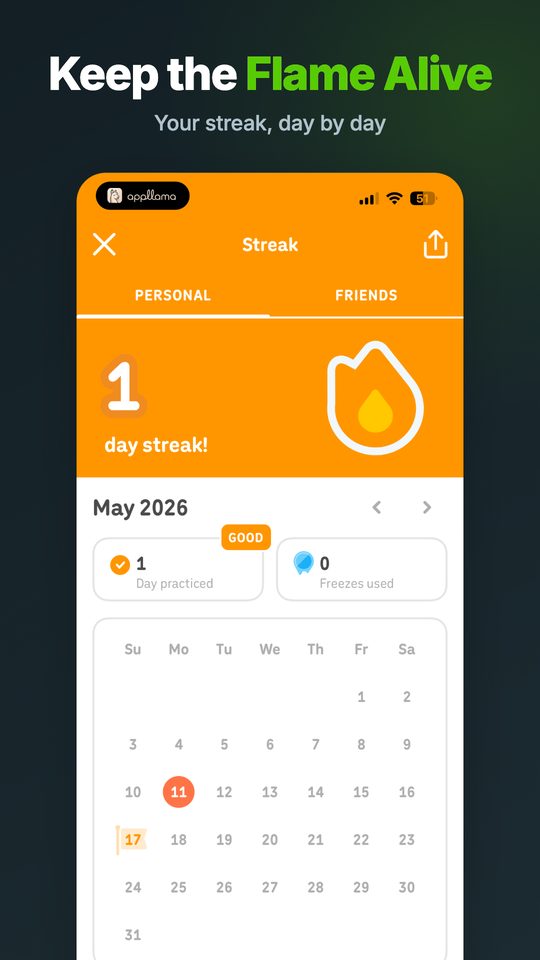
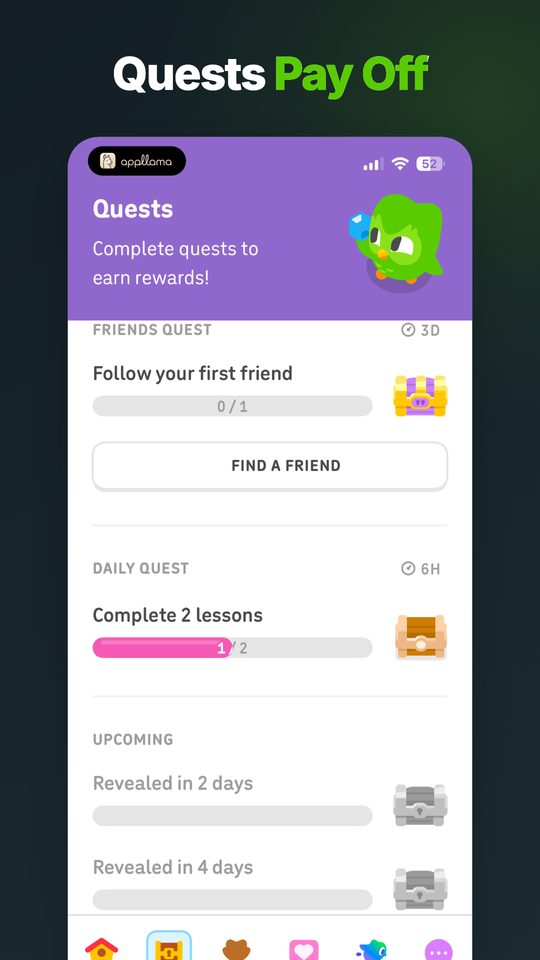
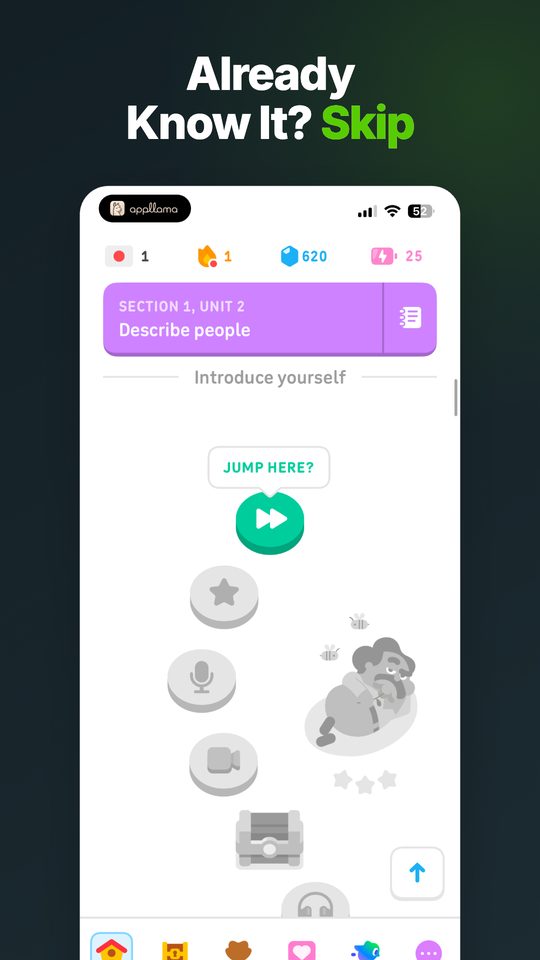
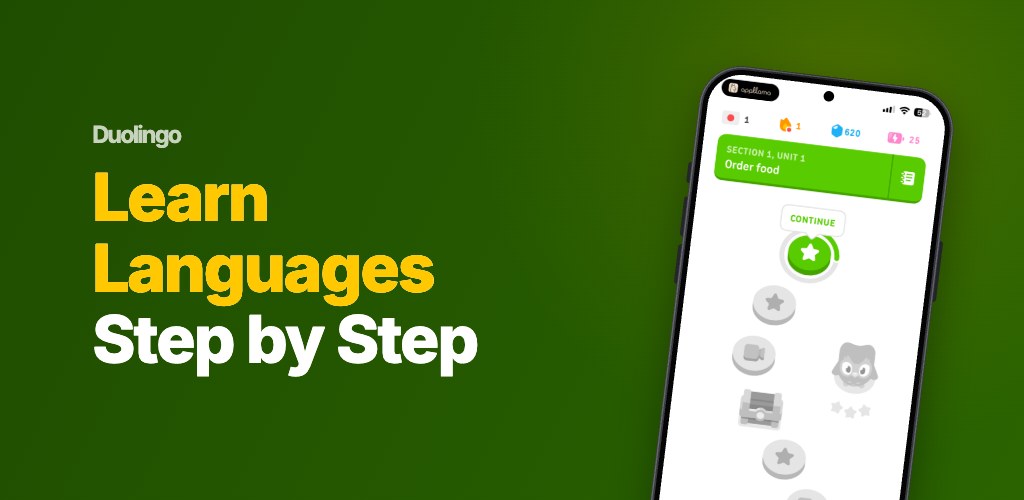
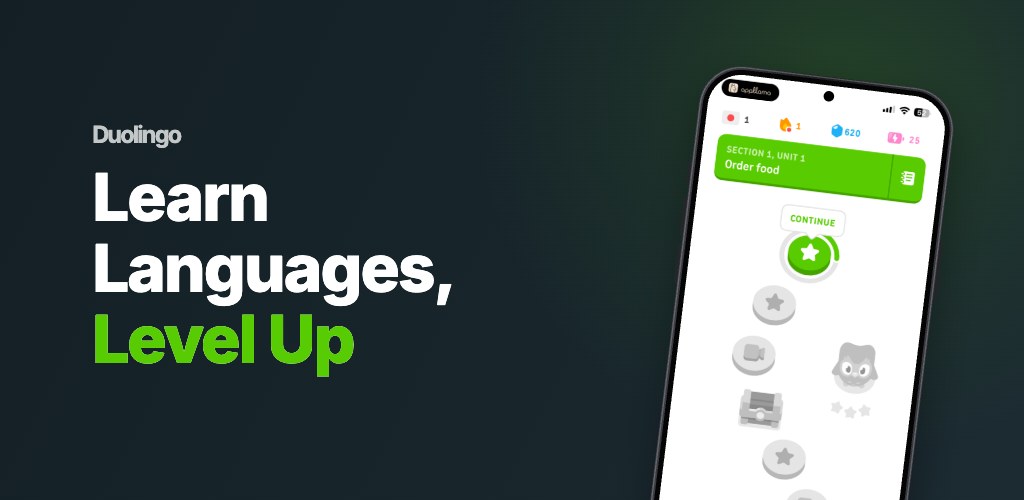
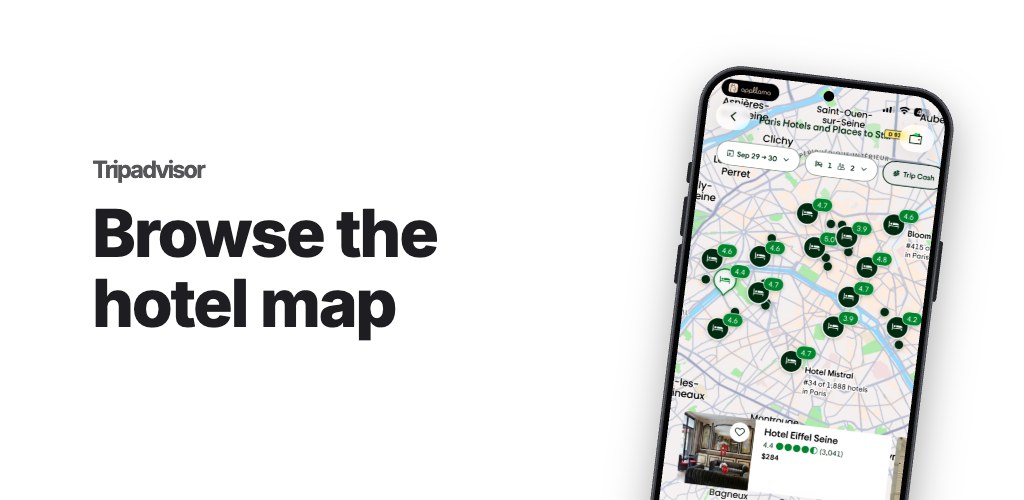
The images below are real Google Play exports from appscreenshot.io, made from four in-app screens of Duolingo and saved at 1080 × 1920 pixels. The feature graphics in the last row come from three different projects.
Phone screenshots with a phone frame
Four phone screenshots from the Classic template. The caption and the framed screen are the same as in the App Store set, redrawn for the shorter 9:16 shape.
Phone screenshots without a frame
The same four screens in the Frameless template, which shows the screen as a card and no device around it.
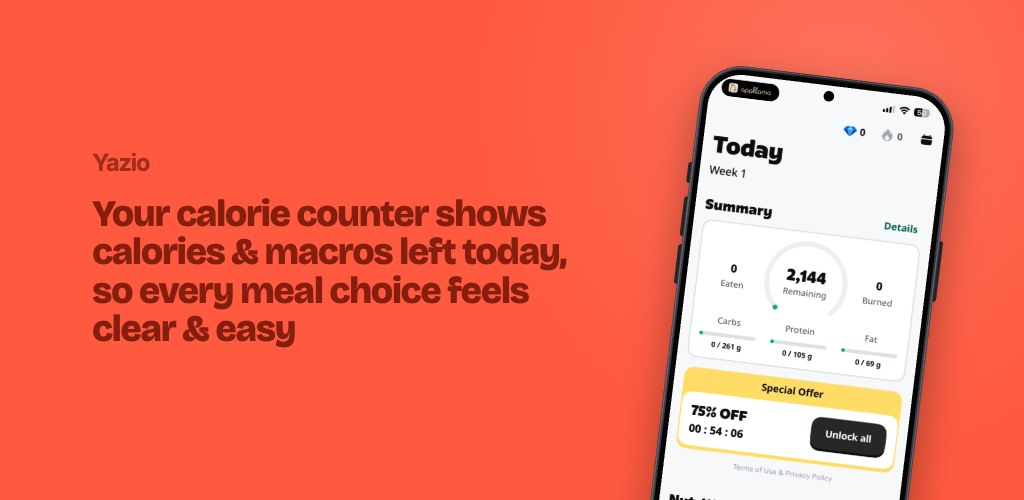
Feature graphics
The feature graphic is made from the first slide: the app name, the first headline and the first screen, laid out for the wide format.
What you get for Google Play
Each export gives you the files a Play store listing needs for phones, already named and sorted.
- Phone screenshots at 1080 × 1920 pixels, one per slide, up to eight per language.
- A feature graphic at 1024 × 500 pixels for each language.
- PNG files without alpha, which is the format Google asks for.
- One folder per language, named with Google's language codes, in the layout fastlane supply uses.
- Captions written per language. Add any of 39 languages and Claude writes the captions again for that market.
How to make Google Play screenshots
Making a Play set takes the same four steps as an App Store set, with one extra tick at the end.
- Upload 3 to 10 raw screenshots of your app.
- Pick one of the six ready-made templates, or copy the look of an app you like.
- Check the captions and change anything you want.
- On the download step, keep Google Play Phone and Google Play Feature graphic ticked, then download the ZIP.
How the Play set differs from the App Store set
The two sets share the same design and captions, and differ in shape, count and folder names. Because a Play screenshot is shorter than an iPhone one, the editor draws each slide again for 9:16 instead of cropping the App Store image.
| App Store set | Google Play set | |
|---|---|---|
| Screenshot size | 1320 × 2868 px (1284 × 2778 px optional) | 1080 × 1920 px |
| Shape | About 9:19.5, taller | 9:16 |
| Extra graphic | None | Feature graphic, 1024 × 500 px |
| Screenshots per language | Up to 10 | Up to 8 |
| Folder in the ZIP | appstore/<language>/ | googleplay/<language>/images/ |
| File names | 01_ios-69.png, 02_ios-69.png … | phoneScreenshots/1.png …, featureGraphic.png |
What to check against Google's guidance
Google's help page separates hard requirements from guidelines it calls highly recommended, and a designed set touches both. The exports meet the required format: size, ratio, file type and no alpha. The recommended guidelines are about content, and those are yours to judge.
- Google suggests avoiding device imagery. Five templates draw a phone around your screen; Frameless does not.
- Google suggests that taglines take up no more than 20% of the image. Keep captions short, and look at the result before you upload.
- Google asks you not to use ranking or price words such as Best, Top or Sale, and not to add calls to action. Claude's captions describe features and benefits, but you should still read each one.
Not following the recommended guidelines does not affect your store listing; Google says it can limit promotional opportunities. The Google Play screenshot sizes page has the full list. When you are ready to try it with your own screens, open the editor.
What it does not do for Google Play
The Google Play export covers phones and the feature graphic, and stops there.
- It does not make tablet, Chromebook, foldable, Wear OS, Android TV, Automotive or XR screenshots.
- It does not make the app icon, the TV banner or a preview video.
- It does not upload anything to Play Console. You drag the folders in yourself or run fastlane supply.
- It does not check your set against Google's content policies, and it makes no promise about review or promotion on Google Play.
- Captions and phone frames are part of most layouts, while Google's highly recommended guidelines suggest avoiding device imagery and keeping taglines under 20% of the image. Use the Frameless template and short captions if you want to follow them closely.
Questions and answers
What size are the Google Play screenshots it makes?
Phone screenshots are 1080 × 1920 pixels, the smallest portrait size that meets Google's recommendation, and the feature graphic is 1024 × 500 pixels. Both are PNG files without alpha. The Google Play screenshot sizes page explains Google's rules.
Does it make the Google Play feature graphic?
Yes. Every export includes a 1024 × 500 feature graphic built from your first slide: the app name, the first headline and the first screen.
Can I make App Store and Google Play screenshots from one project?
Yes. On the download step you tick the sizes you want. One ZIP then holds an appstore folder and a googleplay folder, each with one subfolder per language.
Can I upload iPhone screenshots of my app for a Google Play set?
The editor accepts any phone screenshots. Google asks that screenshots show the actual app experience, so for a Play listing upload screens from the Android version of your app.
Does it upload to Play Console?
No. You get the files and upload them yourself, either by dragging them into the Main store listing page or with fastlane supply.
Is the Google Play export free?
Downloading costs no credits. On an account that has never paid, the images carry a small Made with appscreenshot.io watermark. Pro, at $23.90 a month or $129 a year, and credit packs remove it.
Sources
- Add preview assets to showcase your app, Google, Play Console Help. Read on 29 November 2026.
- Screenshot specifications, Apple, App Store Connect Help. Read on 29 November 2026.
Get your Play screenshots and feature graphic from your raw screens.
Make my Play setPublished by the appscreenshot.io Team. Found a mistake? Write to hello@appscreenshot.io.